
Apply and get your Digital Passport Online
We guide you through your details, identity check, and online passport—on your phone.
Sign In with eGovPH
Official Single Sign-On
Link your verified Philippine National ID to automatically populate your passport personal information, verified photo, and official signature.
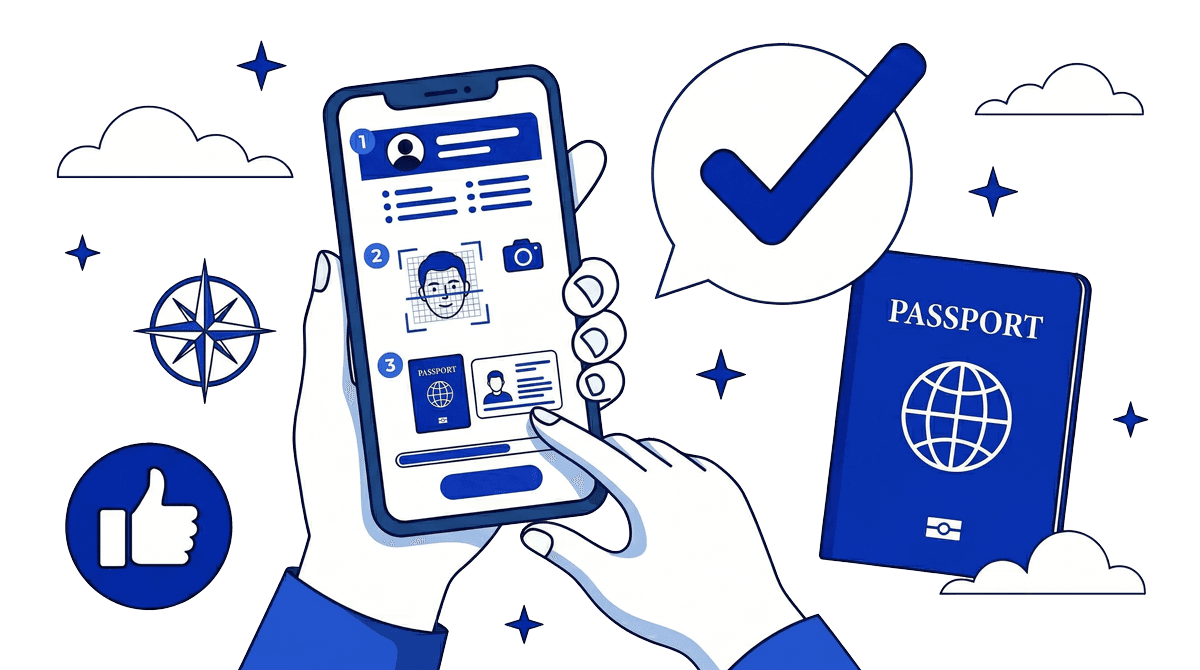
How it works
Three steps—start, confirm and verify, then view your online passport.
- 1
Start your application
Enter your details and follow the guided steps.
- 2
Confirm your details
Review your information, then verify your identity with a quick biometric check.
- 3
See your online passport
Check your details on screen, then print or save when you’re ready.
Built for trust
Your details, ID check, and preview are designed to be straightforward and easy to understand.
Secure process
Your information is handled with care at every step.
Matched to national ID
Biometrics are checked against PhilSys (National ID) records.
Easy to follow
You always see what step you’re on and what comes next.